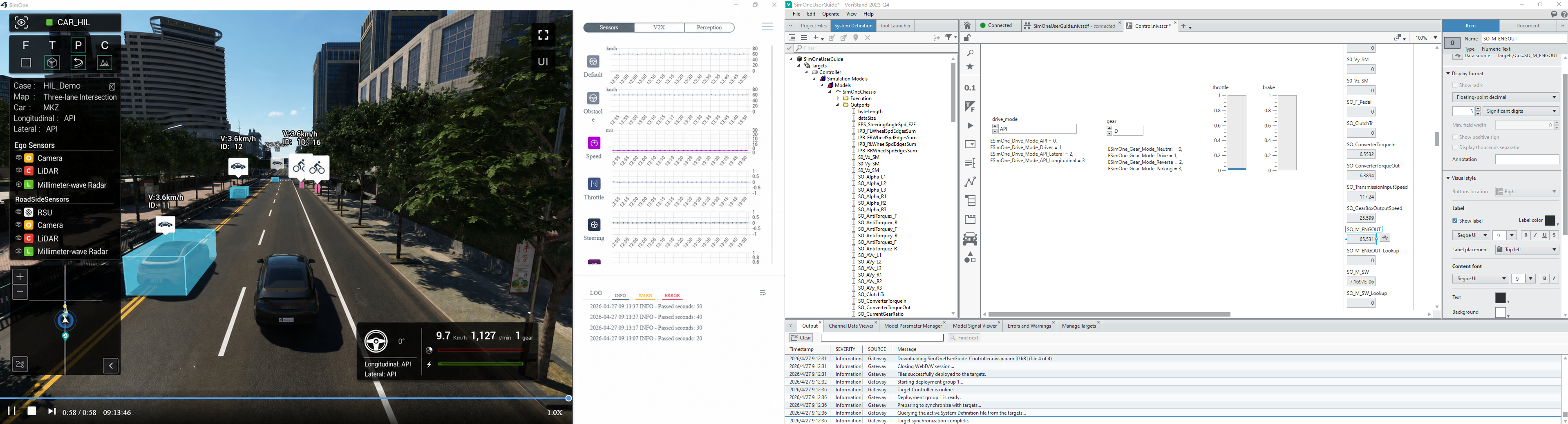
Chassis Information
1. Data Flow Overview
The dynamics model data flow begins at SimOne's physics engine, which generates the ego vehicle's motion state data. This data is transmitted to the real-time target via Ethernet and then delivered to the ECU via the automotive bus for use by control algorithms. The data flow design must ensure that the authenticity of the motion state, latency, and synchronization meet the requirements of closed-loop control.
2. SimOne Configuration
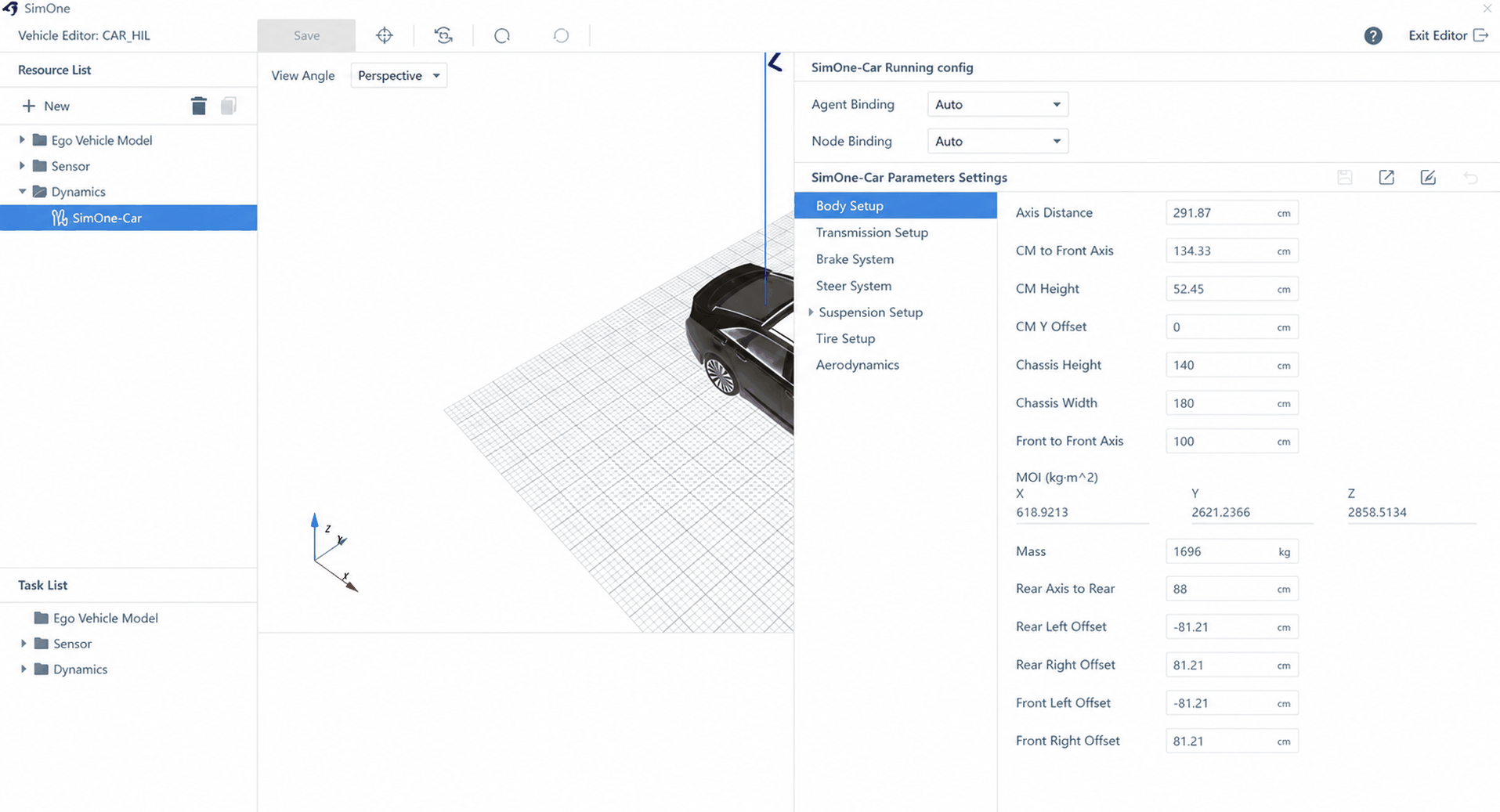
(1) Configure ego vehicle dynamics parameters
Select the ego vehicle and configure the dynamics parameters to ensure the ego vehicle's motion state data is generated correctly.
(2) Run the use case
Select a use case and run the corresponding ego vehicle use case to ensure the chassis information sensor generates simulation data correctly;
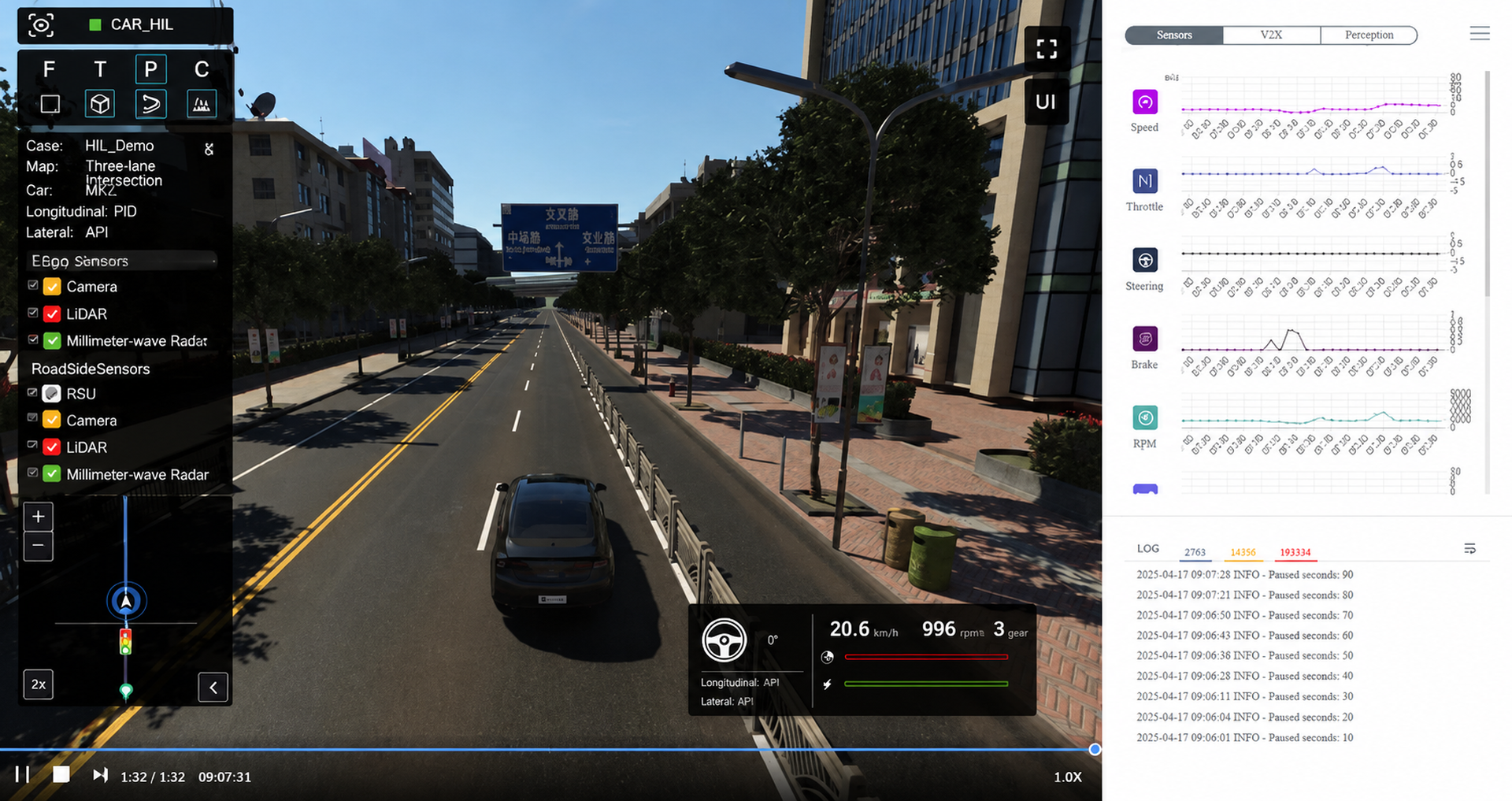
(3) Run Trans;
3. Real-Time Target Configuration
(1) Load the SimOneChassis model
• Select Simulation Model;
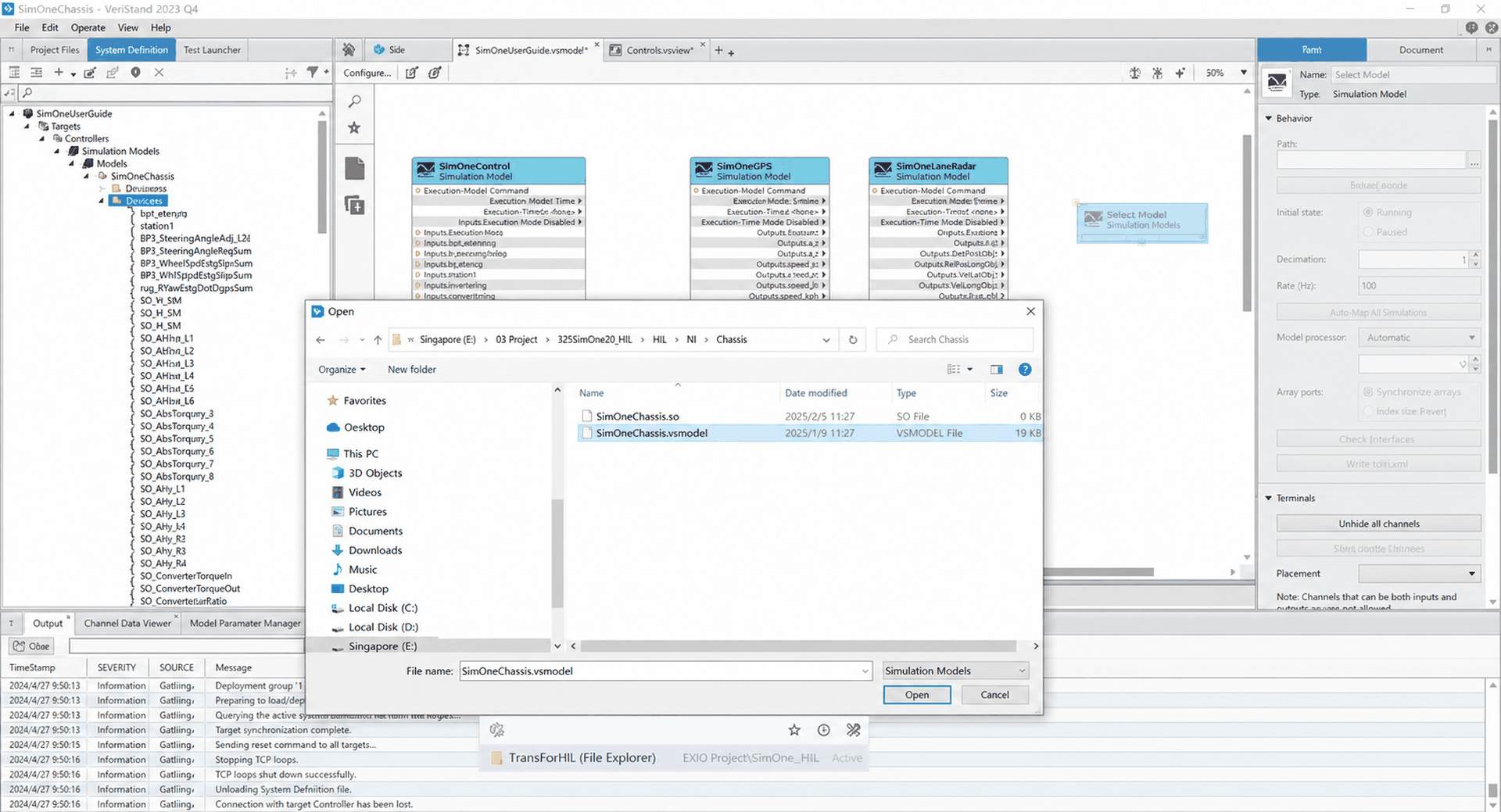
• Browse and select the SimOneChassis model file;
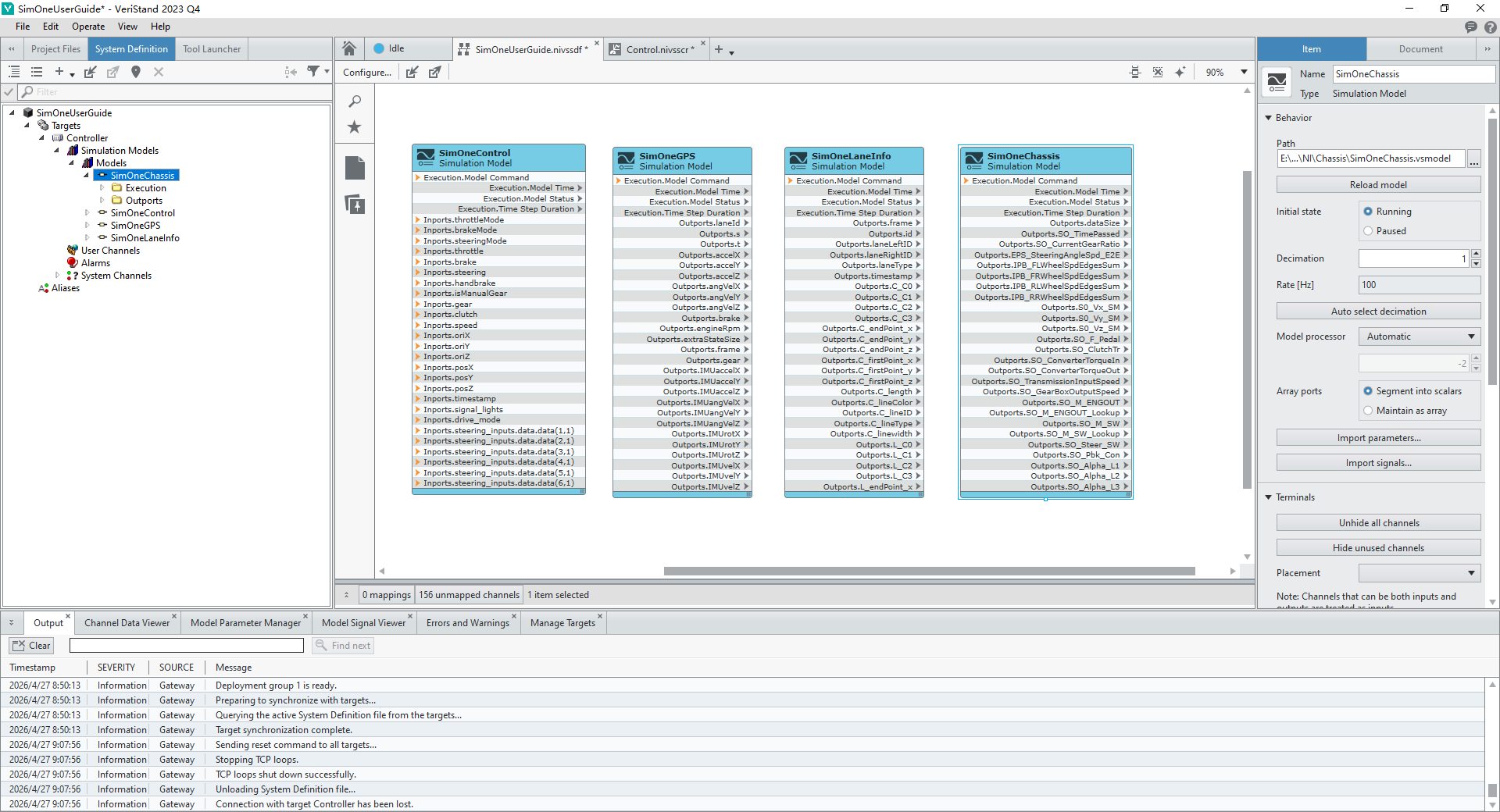
• Load the SimOneChassis model into the VeriStand project;
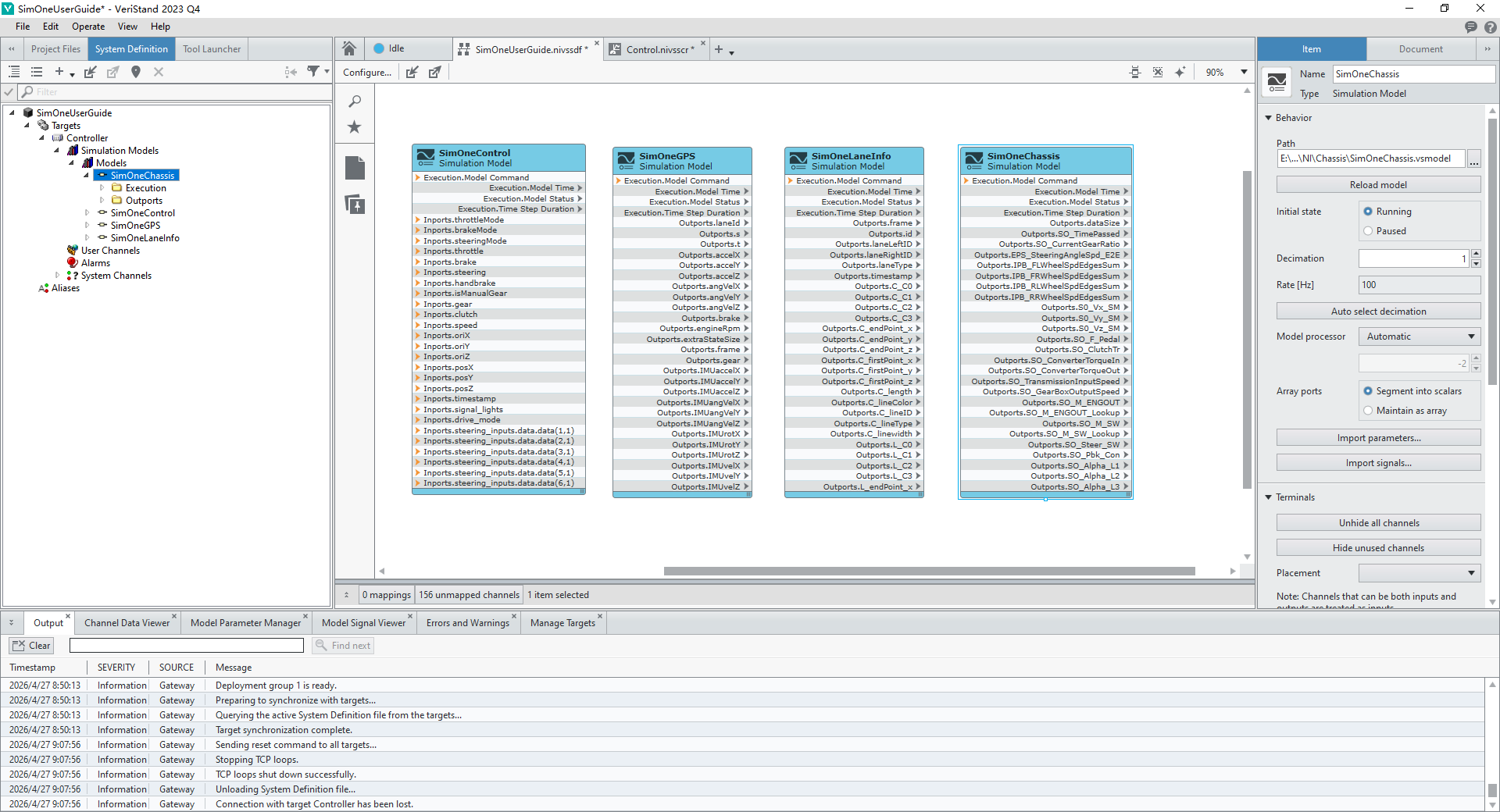
(2) Deploy the SimOneChassis model
Deploy the VeriStand project to ensure the SimOneChassis model can correctly receive the chassis simulation data sent by the Trans tool;
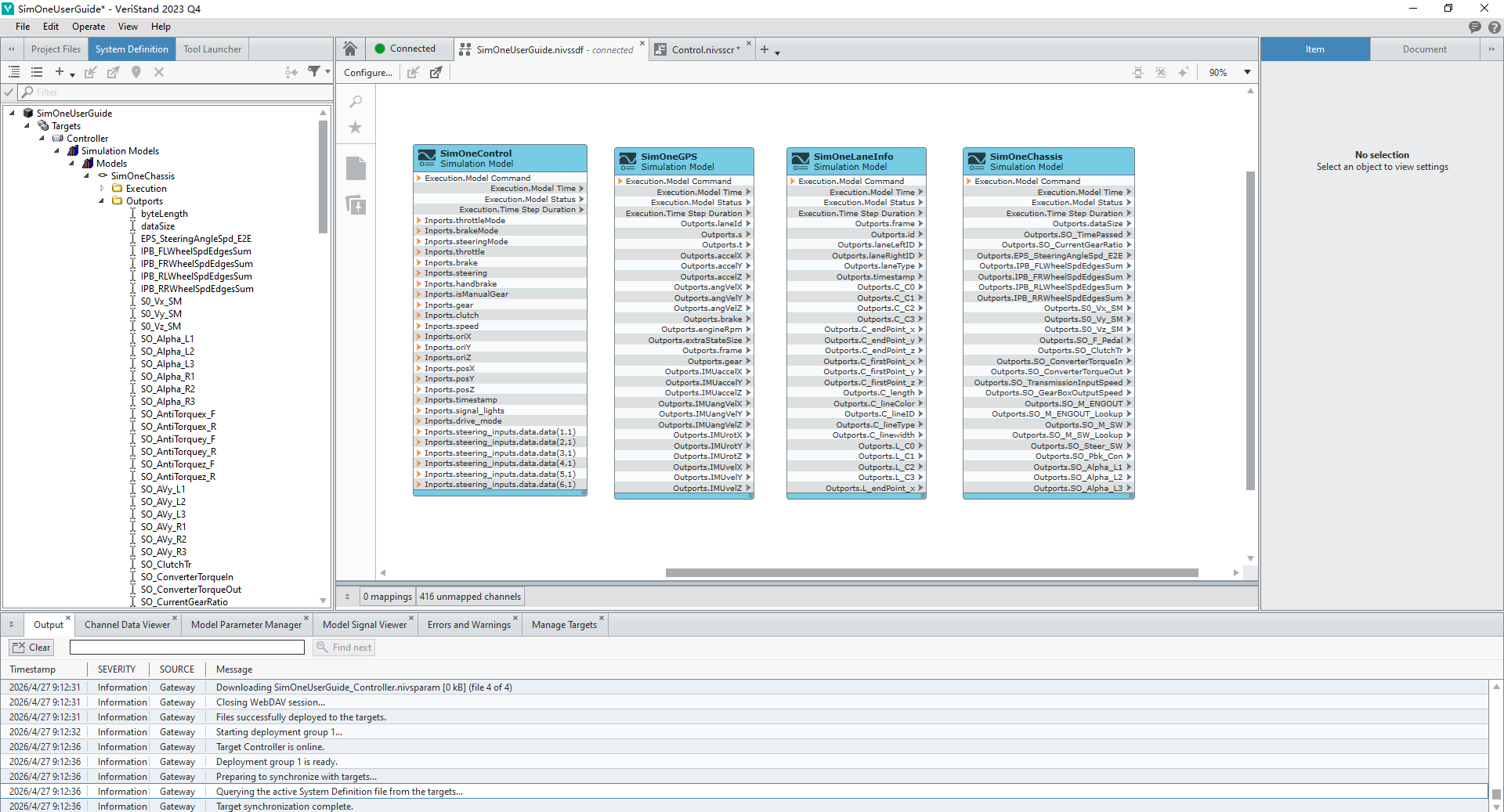
(3) Verify chassis data
Use the monitoring window in VeriStand to view signals in the SimOneChassis model. Verify the accuracy and latency of the chassis data to ensure it meets the input requirements of the ECU dynamics model;