IP Configuration Optimization
If SimOne fails to start due to an incorrect IP or an IP change, the default Web IP is set to 127.0.0.1. For users who need to integrate algorithms or set up a distributed system, follow the steps below to modify the IP configuration.
Setup Wizard
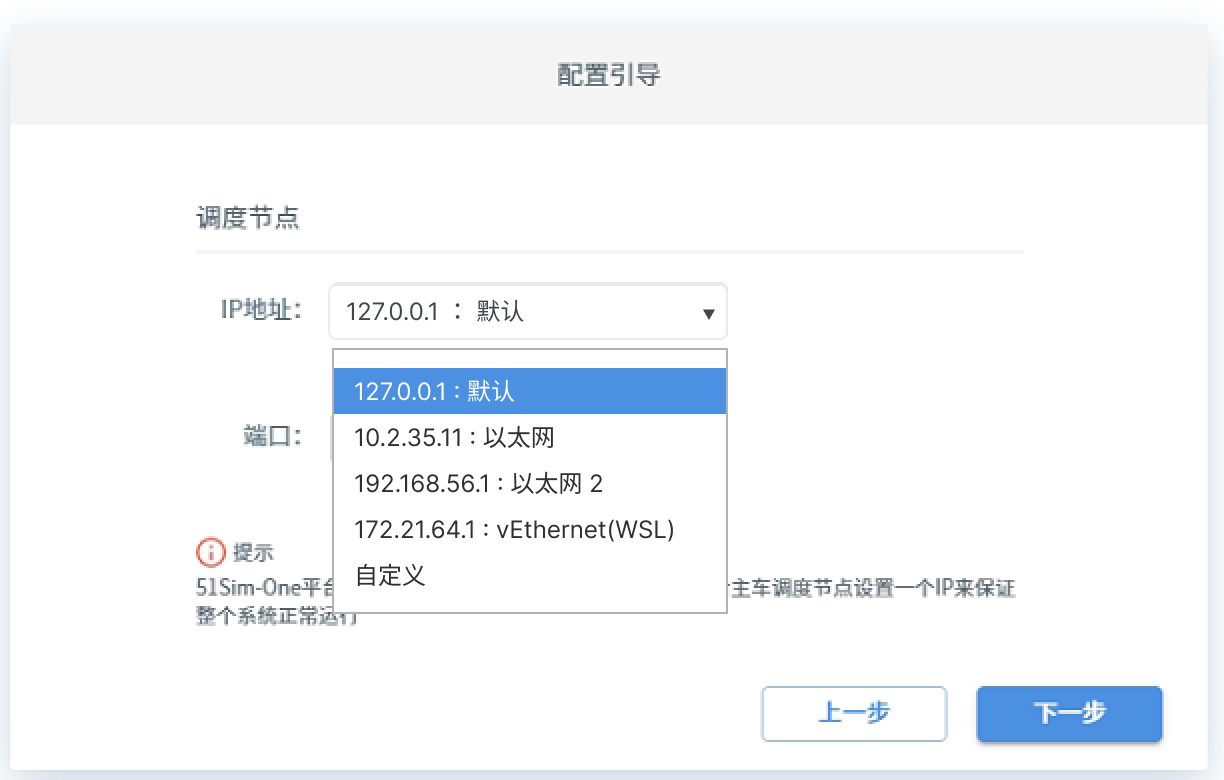
During the installation wizard, you can modify the IP configuration.
(1) Available IP addresses and network interface names are shown here.
(2) The default value is 127.0.0.1. Standalone users do not need to change this — keep the default.
(3) To use a custom IP, select Custom and enter the IP address manually.
Global Settings — System Settings
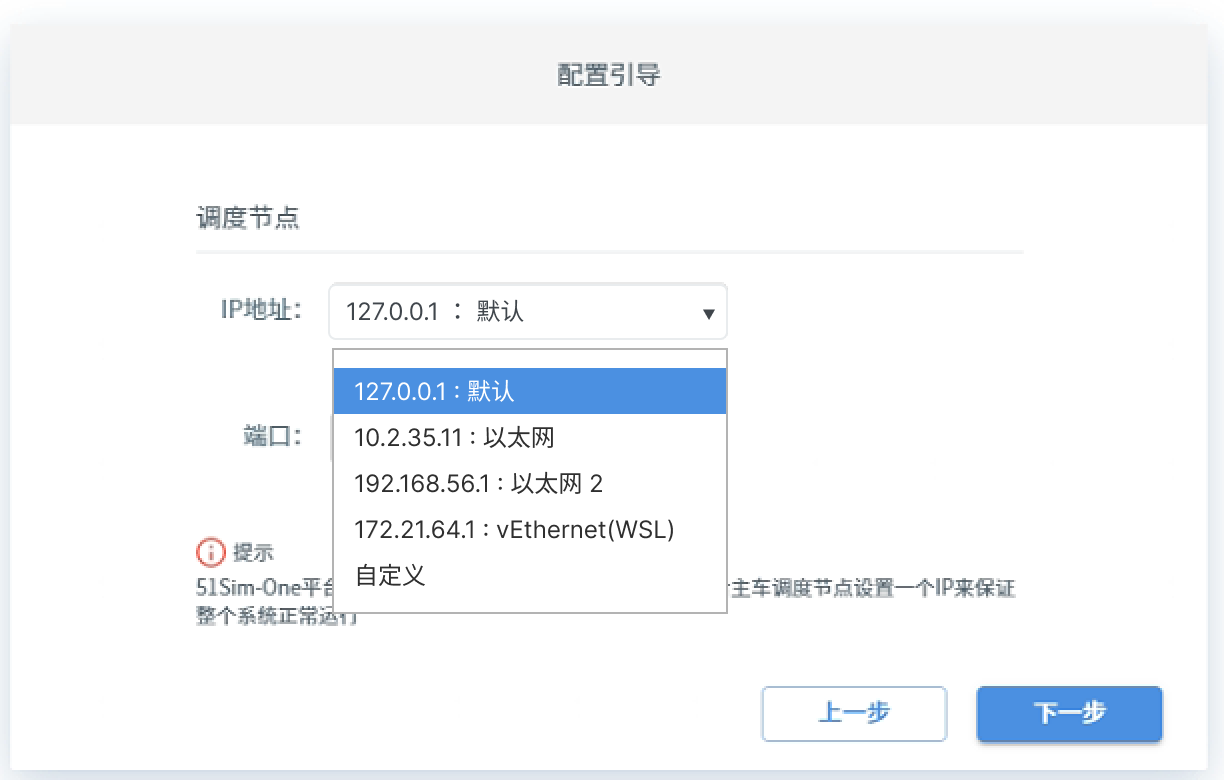
After installation, you can also modify the IP configuration in SimOne under Global Settings > System Settings.
(1) Available IP addresses and network interface names are shown here.
(2) To use a custom IP, select Custom and enter the address manually.
Launcher Agent Configuration
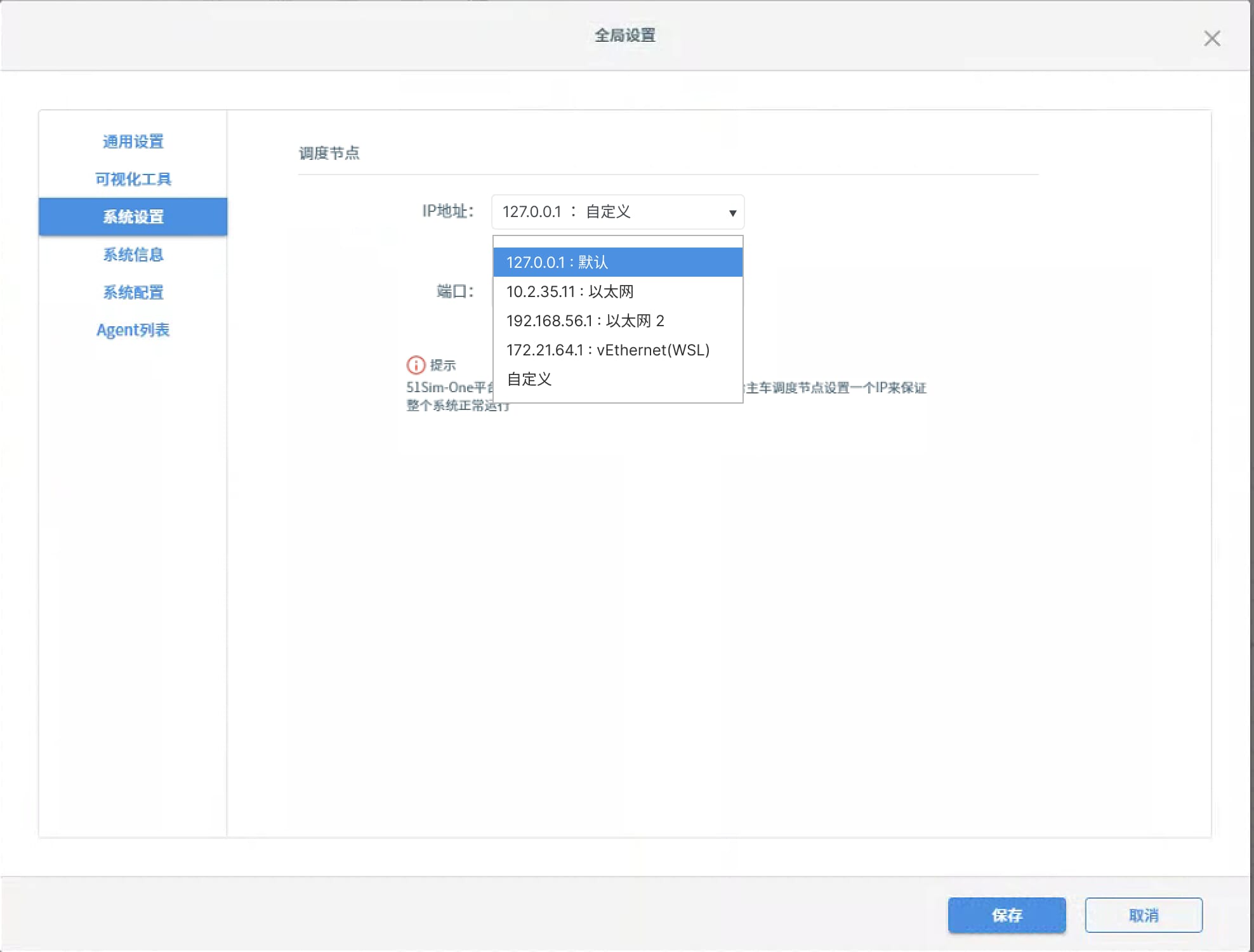
In the SimOneLauncher system tray, you can edit and apply Agent connection settings:
(1) Agent ID: Enter the authorization code corresponding to the Agent in the Master's Agent list.
(2) Public IP: Displays the IP address of the network interface currently bound to the Agent. Read-only.
(3) After making changes, click the Apply button to save the configuration.
IP Change Notification
When the IP address changes, a notification dialog will appear on the page.