SimOne Dynamics Simulation Module — Operations Reference
Vehicle Dynamics Parameter Preset: Save
(1) Drag the SimOne-Car dynamics model into the viewport. The upper-right corner provides Save, Export, Import, and Undo buttons for the configured parameters.
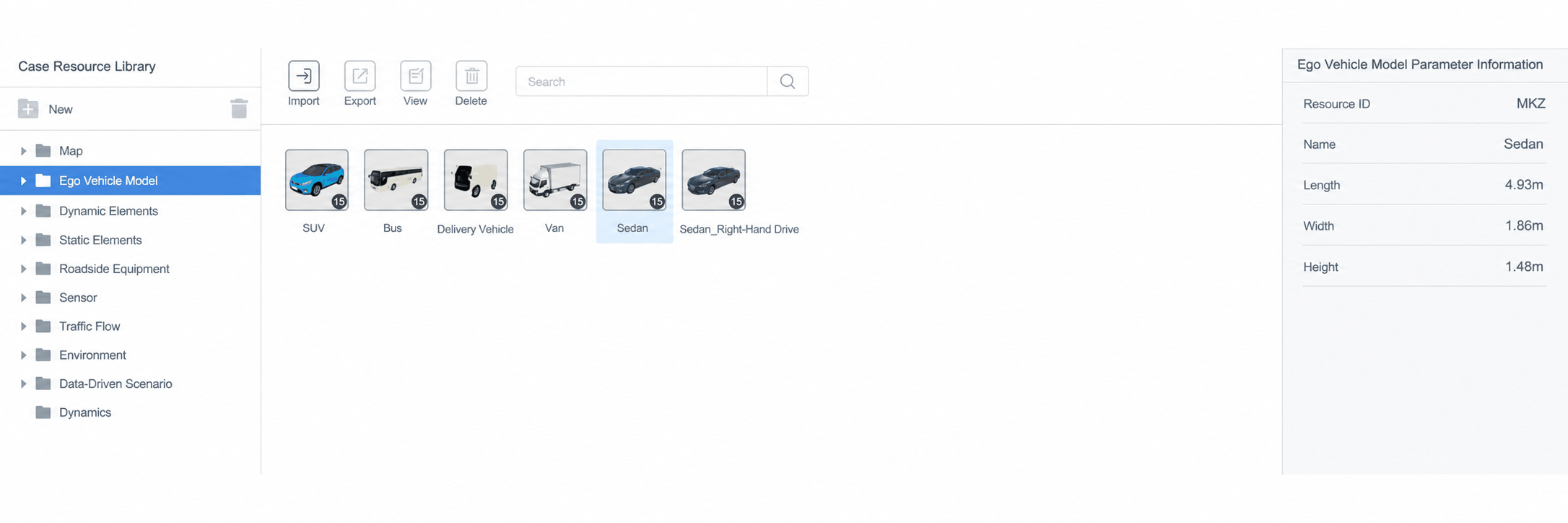
(2) After modifying parameters, click the Save button to save the SimOne-Car settings.
To delete a dynamics preset, exit the editor and go to Resource Library → Dynamics to delete it.
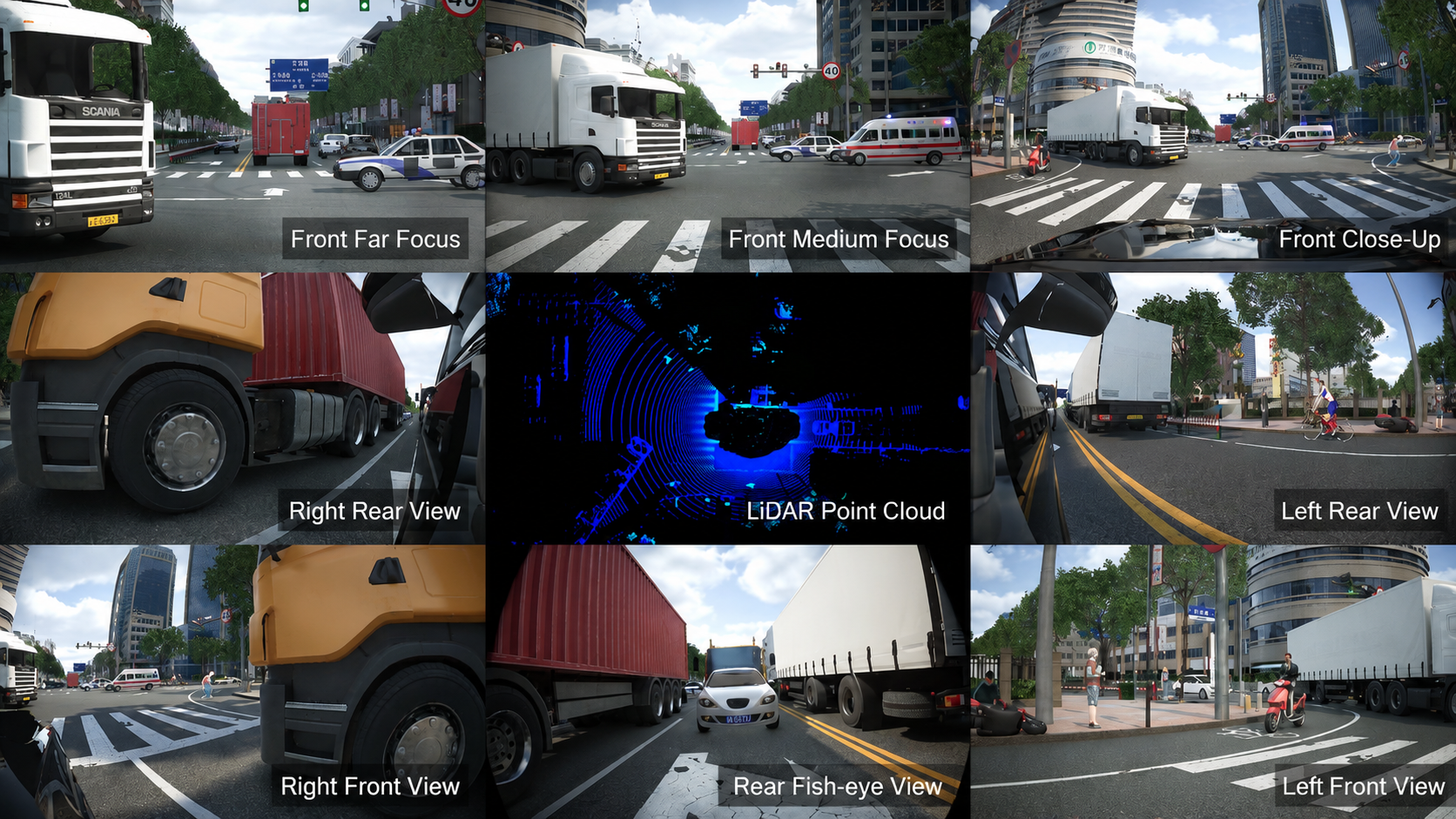
(3) Click the Export button to export the configured parameters.
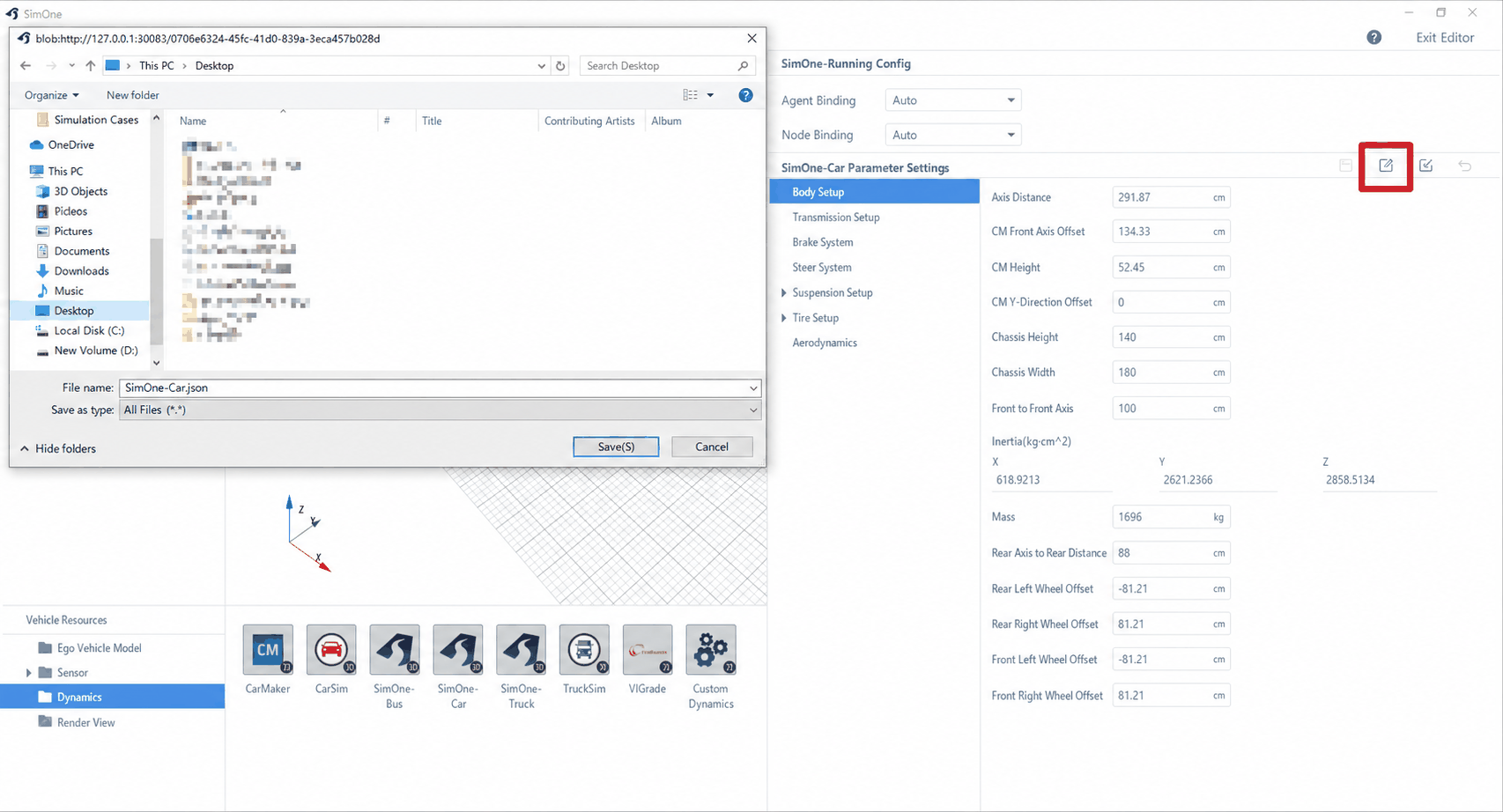
(4) Click the Import button to open the import parameters dialog.
CarSim Dynamics .par File Import
(1) On the Ego Vehicle selection page, create a new default ego vehicle (sedan as an example).
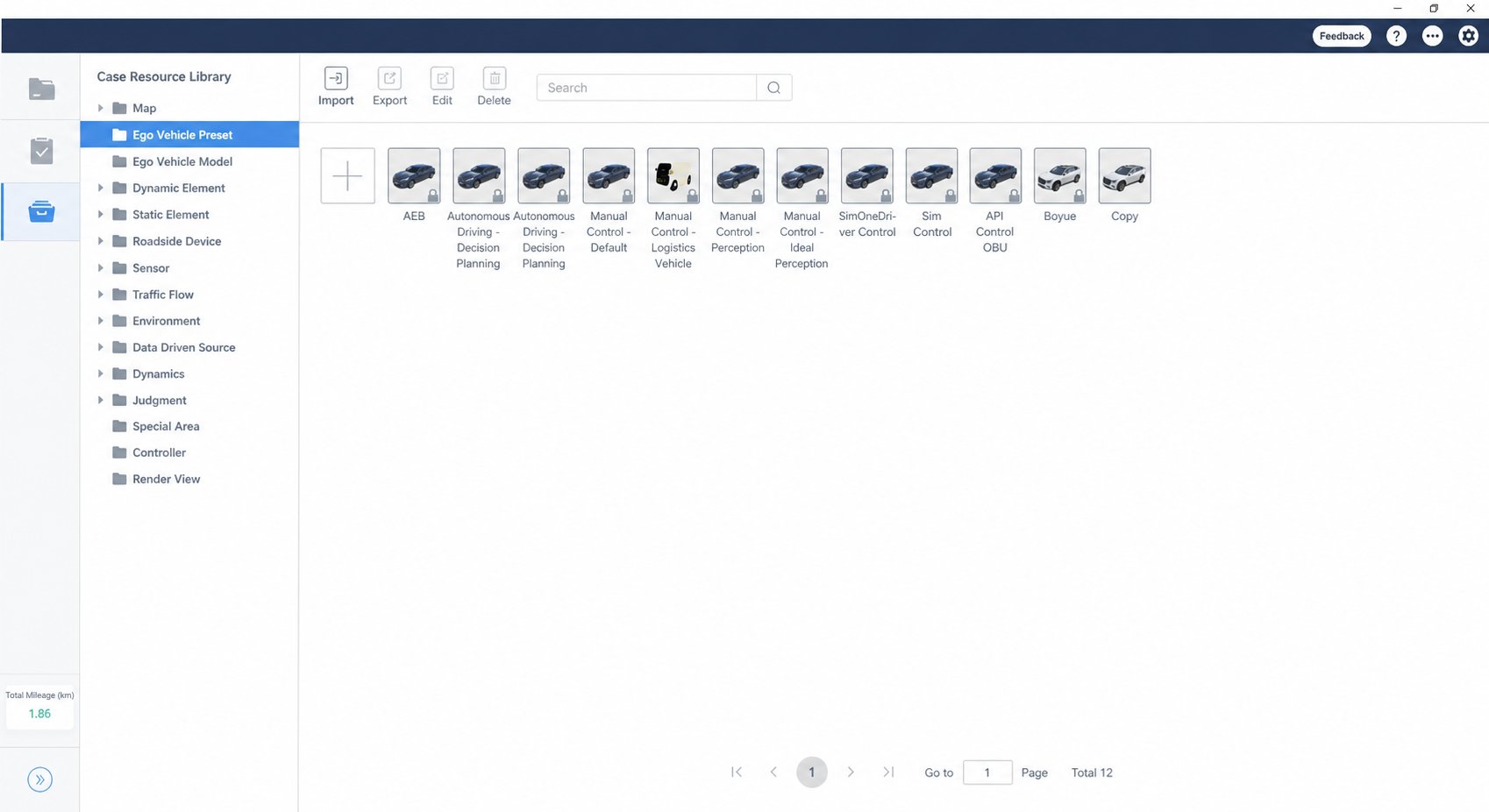
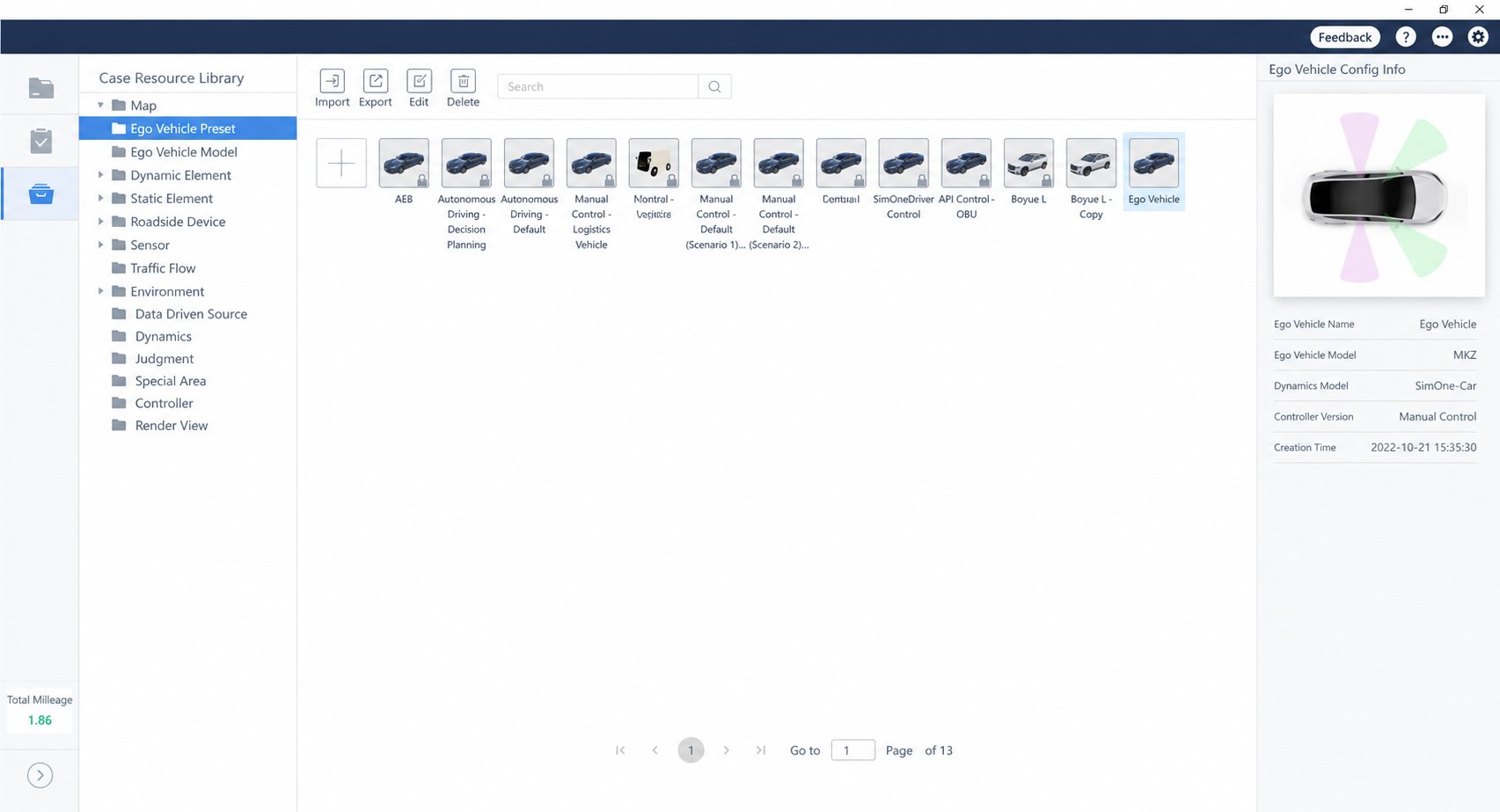
(2) Double-click the ego vehicle icon to enter the Ego Vehicle Editor.
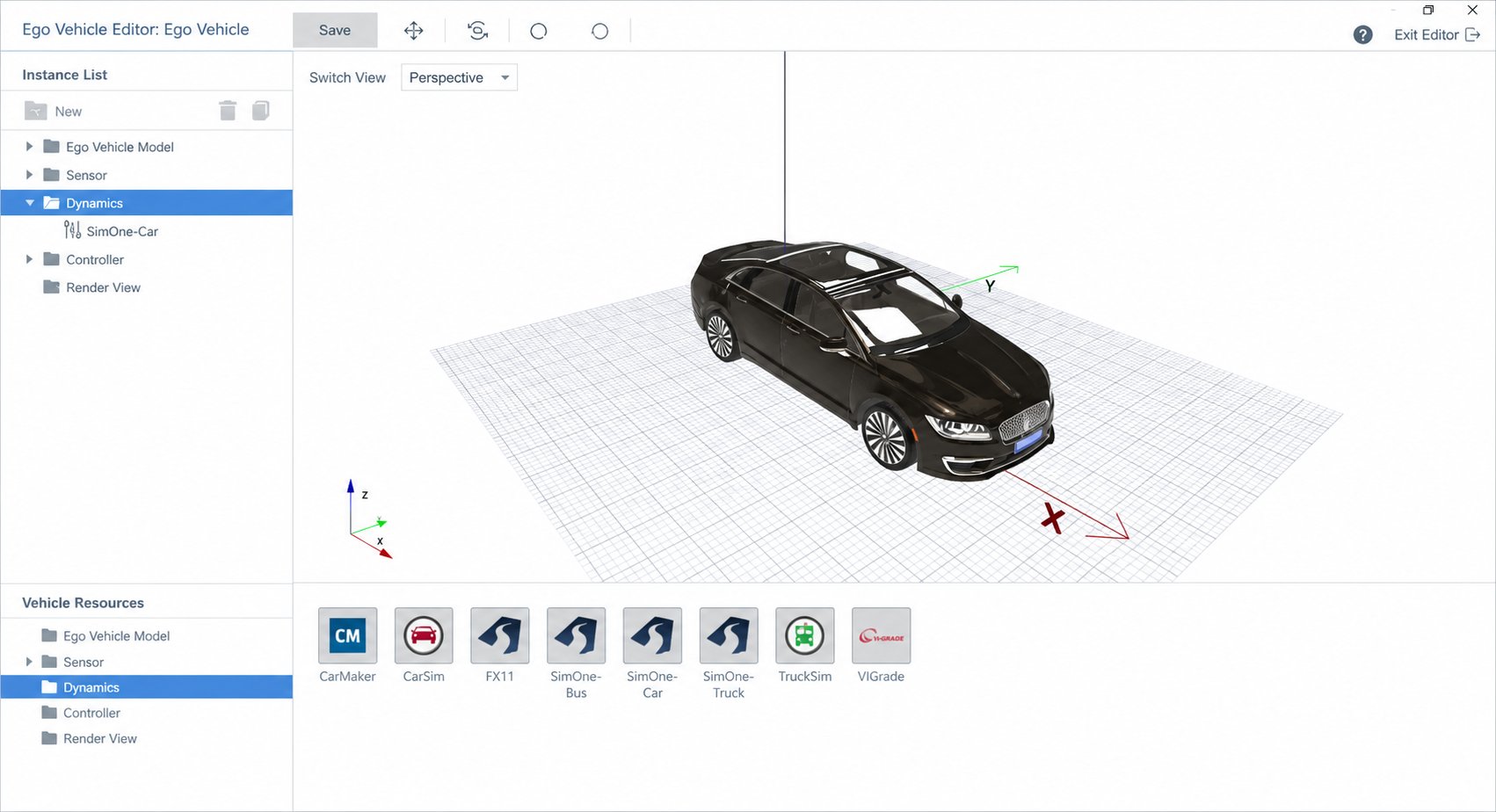
(3) Drag the CarSim dynamics file into the Ego Vehicle Editor viewport.
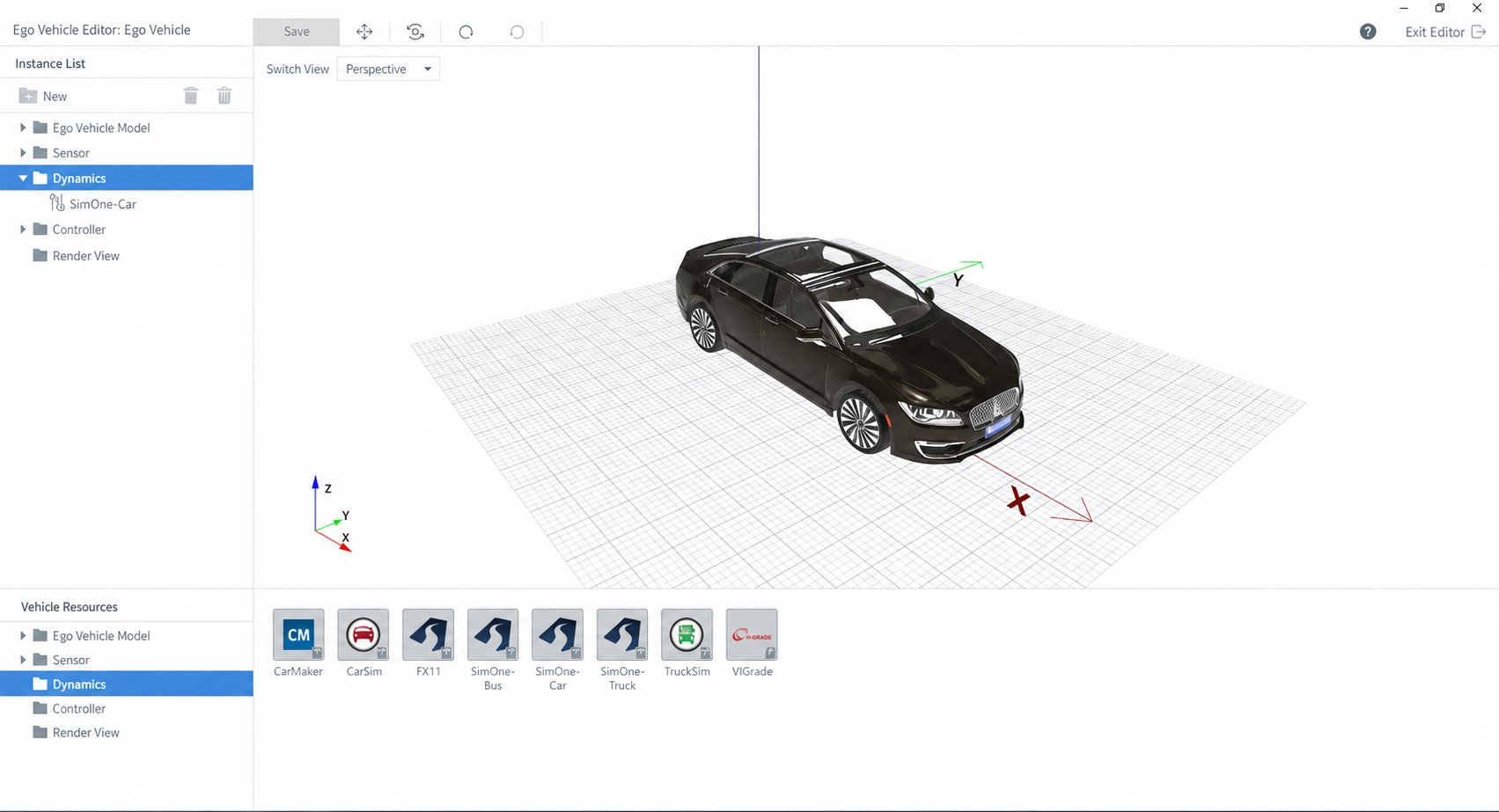
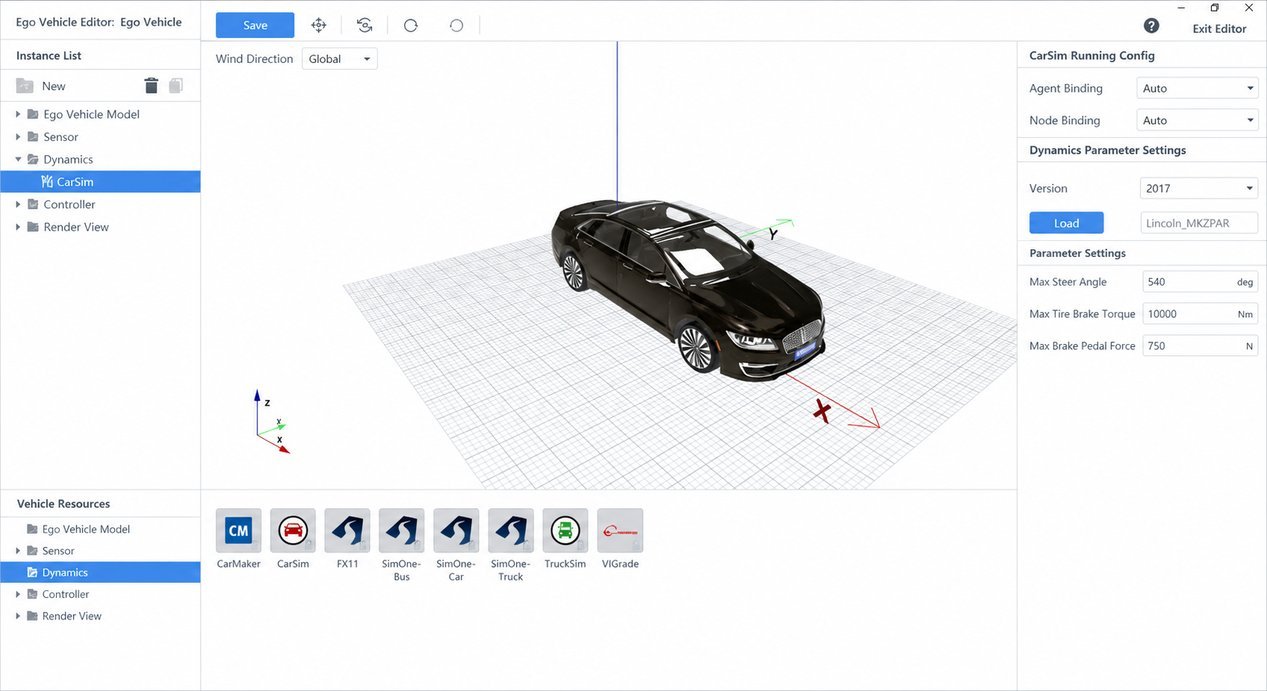
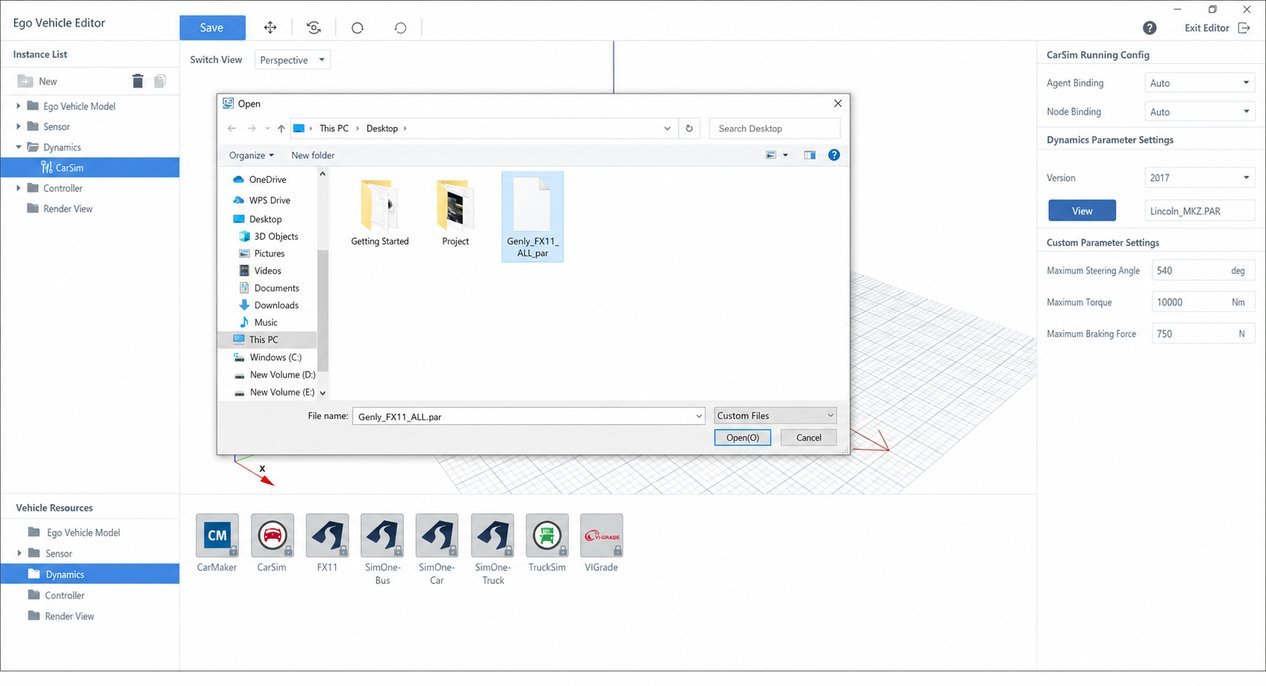
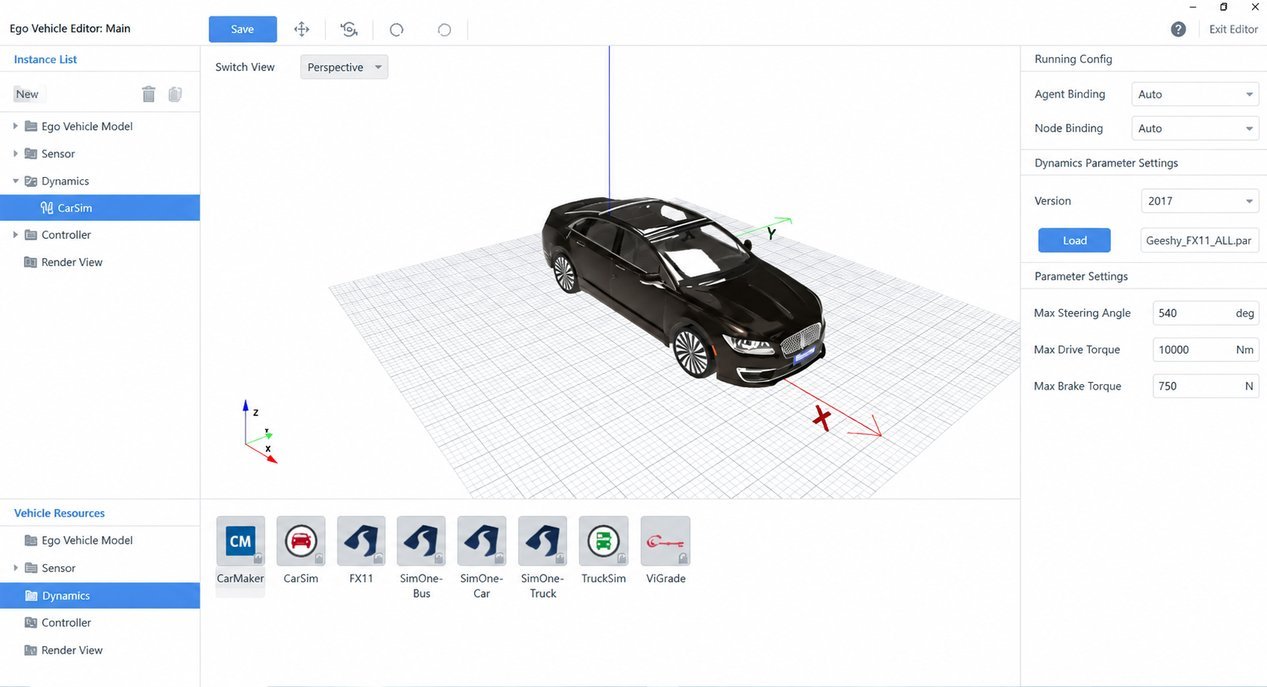
(4) Click the Browse button on the right to select the .par file, then click Open.
(5) After the test case completes, you can download the relevant result CSV file.
For information on the data fields, see Test Report