Automated Use Case Creation and Execution
1. Prerequisites
SimOne provides a RESTful API that supports programmatic control of the platform via HTTP requests. This document describes how to use this API to automate Use Case creation and execution — designed for unattended batch testing: automatically create multiple tasks, then retrieve the results after all tasks complete.
-
Designed for unattended scenarios: automatically create multiple tasks, then retrieve results after all tasks complete.
-
Sample script: runSimOneCase.py
Dependencies
Install the following packages before running the script:
pip install requests
📝 If using SimOne's built-in Python interpreter (
[SimOne installation directory]/Tools/python36/), use the corresponding pip version to install packages.
2. Usage
2.1 Import Required Libraries
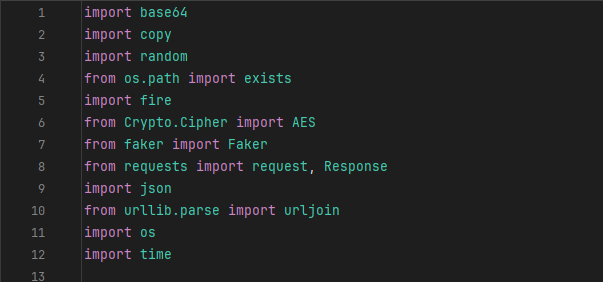
Add the following imports at the top of the script:
import base64
import copy
import random
from os.path import exists
import fire
from Crypto.Cipher import AES
from faker import Faker
from requests import request, Response
import json
from urllib.parse import urljoin
import os
import time
| Library | Purpose |
|---|---|
fire |
Command-line argument parsing |
requests |
Sends HTTP requests to call the SimOne RESTful API |
Crypto.Cipher.AES |
AES encryption (for password transmission) |
urllib.parse.urljoin |
Constructs API URLs |
2.2 Configure the API Connection and Login Mode
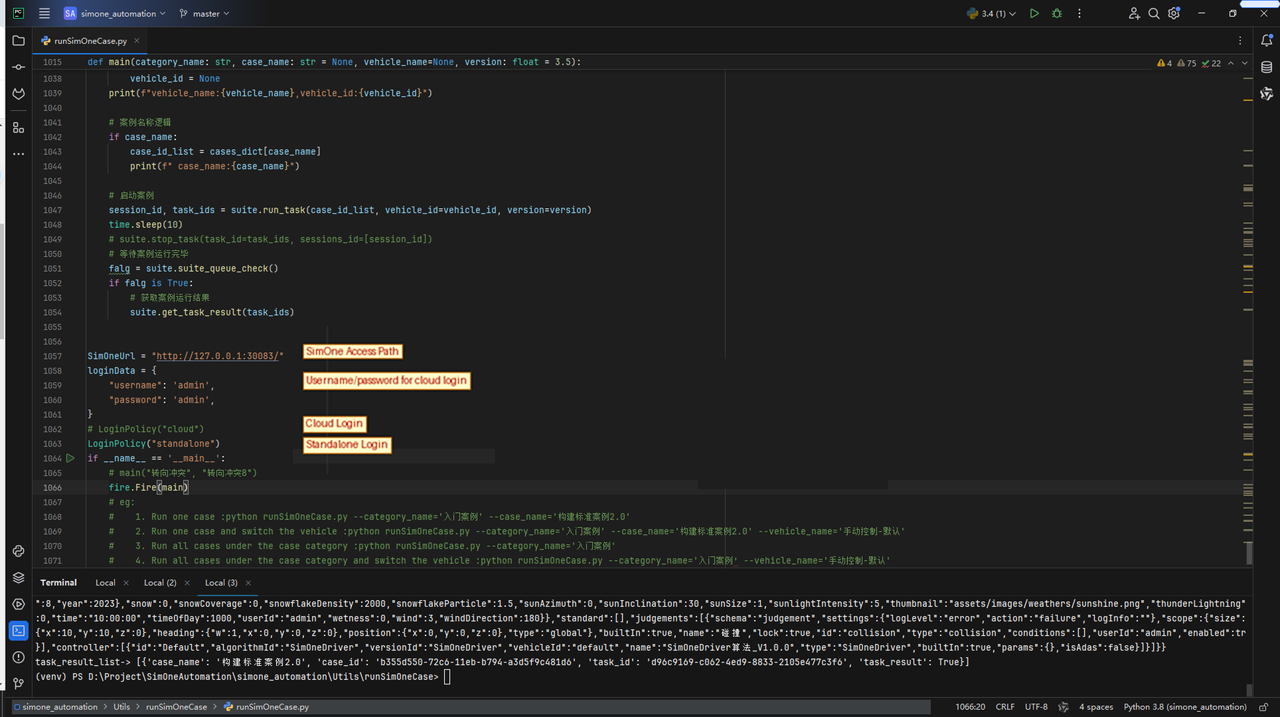
Set SimOneUrl to the actual SimOne service address, and select the login method based on your deployment:
SimOneUrl = 'http://127.0.0.1:30083/'  # SimOne service address
loginData = {
    'username': 'admin',
    'password': 'admin',
}
# LoginPolicy("cloud")       # Cloud deployment login
LoginPolicy("standalone")    # Standalone deployment login
- Standalone deployment: Call
LoginPolicy("standalone")to log in with a username and password. - Cloud deployment: Call
LoginPolicy("cloud")to switch to cloud authentication. - Replace
SimOneUrlwith your actual service address, e.g.,http://10.x.x.x:30083/.
2.3 Connect to SimOne via the API
2.3.1 Command-Line Execution
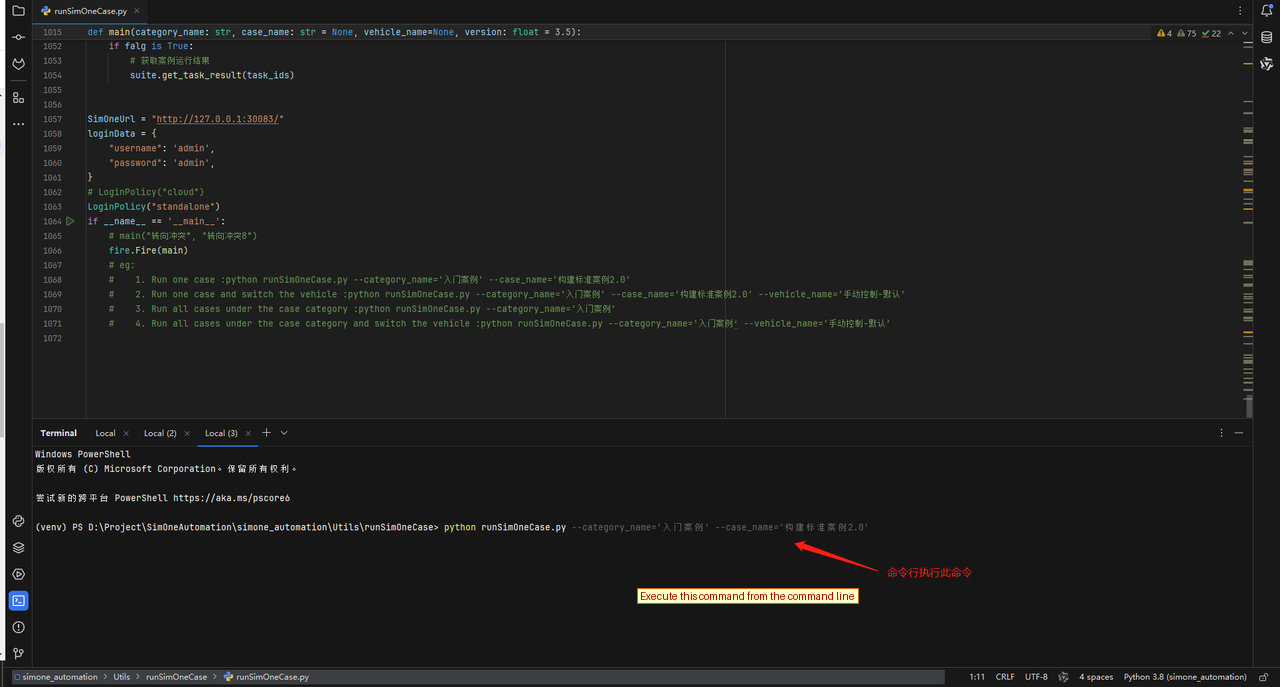
The script uses fire.Fire(main) to parse command-line arguments. Four execution modes are supported:
-
Run a single Use Case:
python xxx.py --category_name='Starter Use Cases' --case_name='Build Standard Use Case 2.0' -
Run a single Use Case with a specific Ego Vehicle:
python xxx.py --category_name='Starter Use Cases' --case_name='Build Standard Use Case 2.0' --vehicle_name='Manual Control - Default' -
Run all Use Cases in a library:
python xxx.py --category_name='Starter Use Cases' -
Run all Use Cases in a library with a specific Ego Vehicle:
python xxx.py --category_name='Starter Use Cases' --vehicle_name='Manual Control - Default'
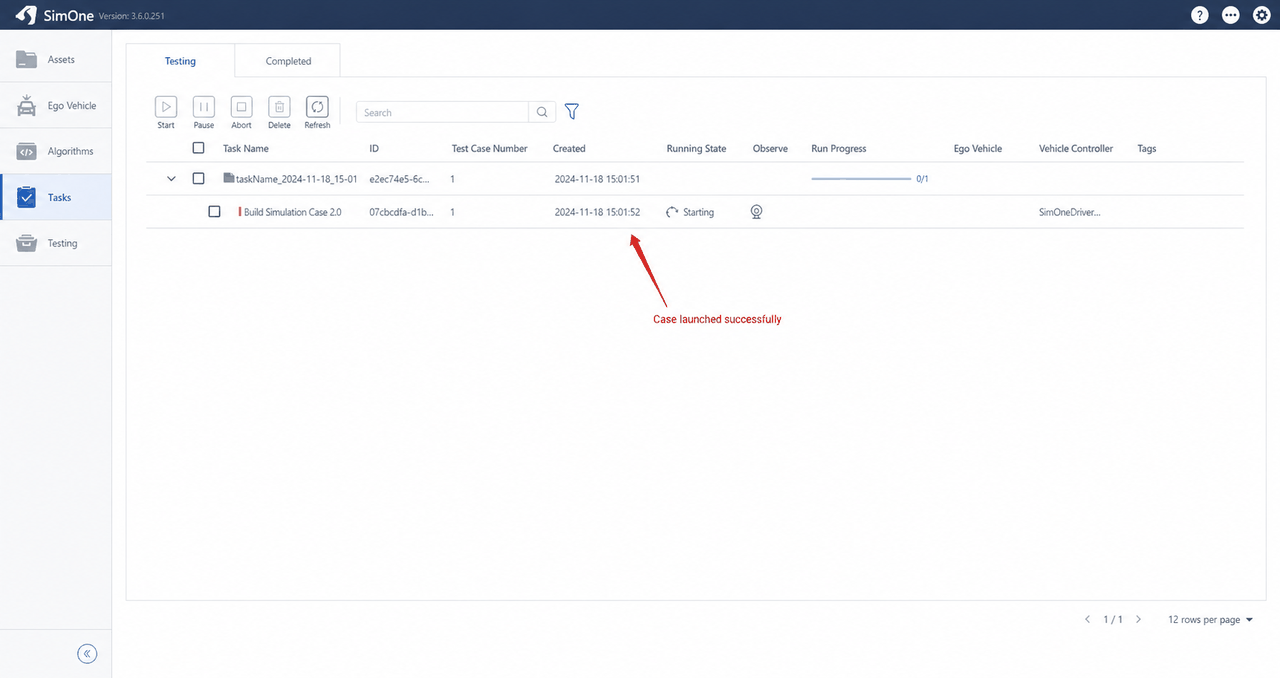
After execution, confirm that the tasks started successfully on the SimOne platform under Task Management > In Progress.
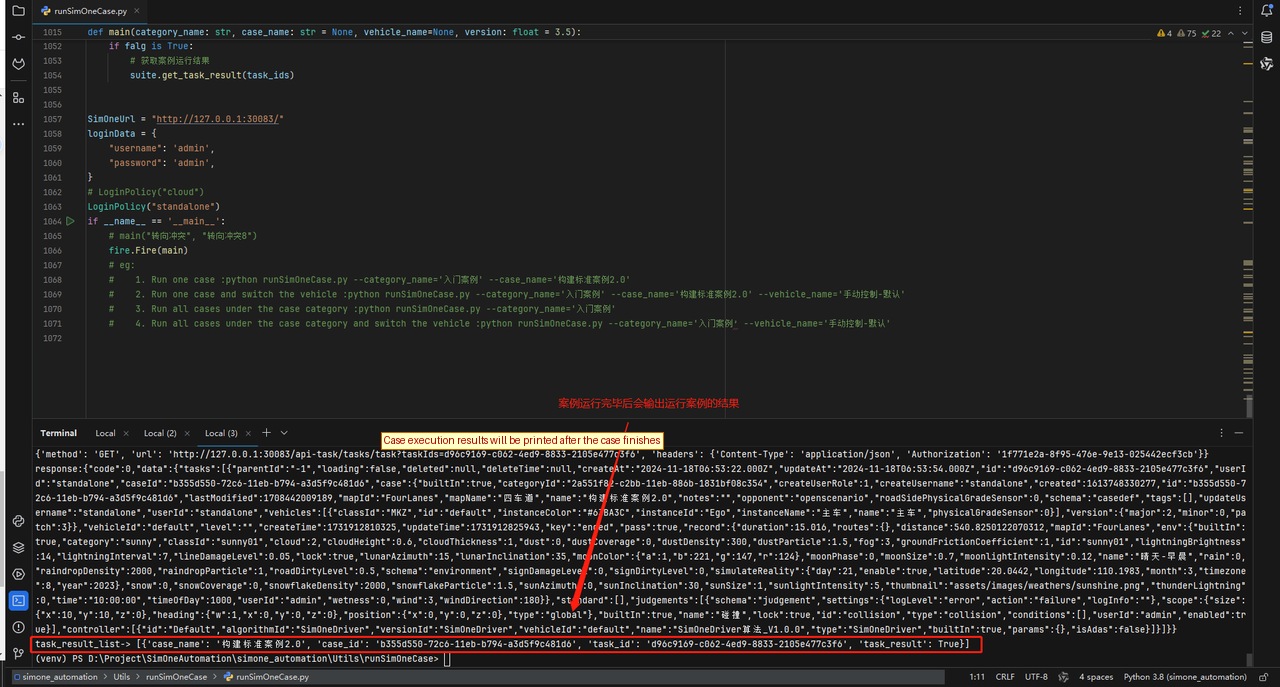
2.4 Command-Line Output
After the Use Cases finish, the script polls the task status (via GET /api-task/tasks/task) and outputs the result list:
task_result_list -> [{'case_name': 'Build Standard Use Case 2.0', 'case_id': 'b355d550-...', 'task_id': 'd96c9169-...', 'task_result': True}]
| Field | Description |
|---|---|
case_name |
Use Case name |
case_id |
Use Case ID |
task_id |
Task ID |
task_result |
Result (True = pass, False = fail) |