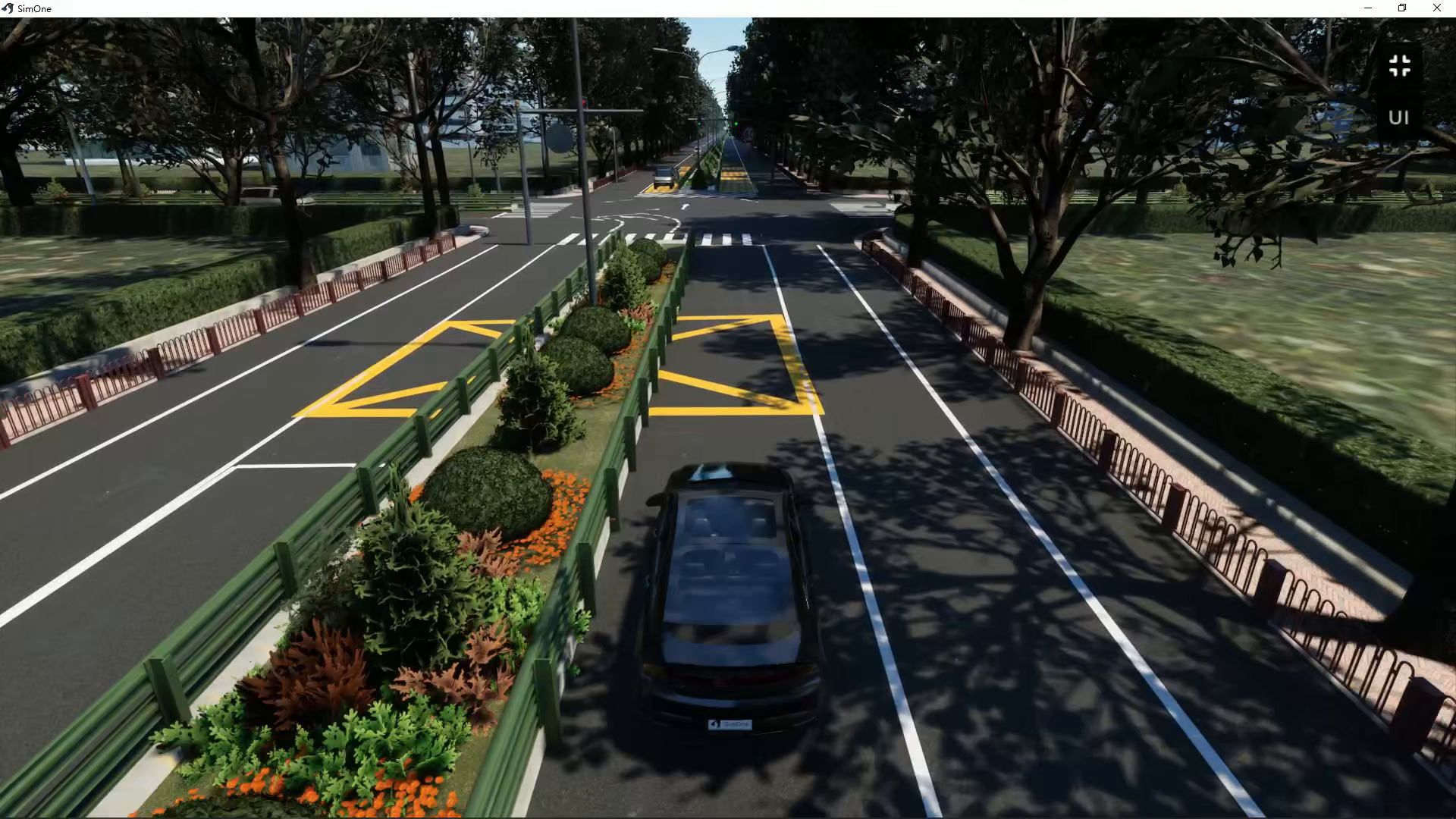
Auto-Generate Scene
After selecting a map in the editor, the Map Parameter Settings panel on the right side of the Case Editor provides an Auto-Generate Roadside Scene feature. With a single click, it generates roadside elements such as street lights, trees, green belts, and buildings along the road. This feature is primarily designed for externally imported OpenDRIVE maps.
Sample Resources
You can download the sample map file Junction3_PCGSample.xodr from Feature Examples and Resource Summary to try out this feature.
Auto-Generate Roadside Scene
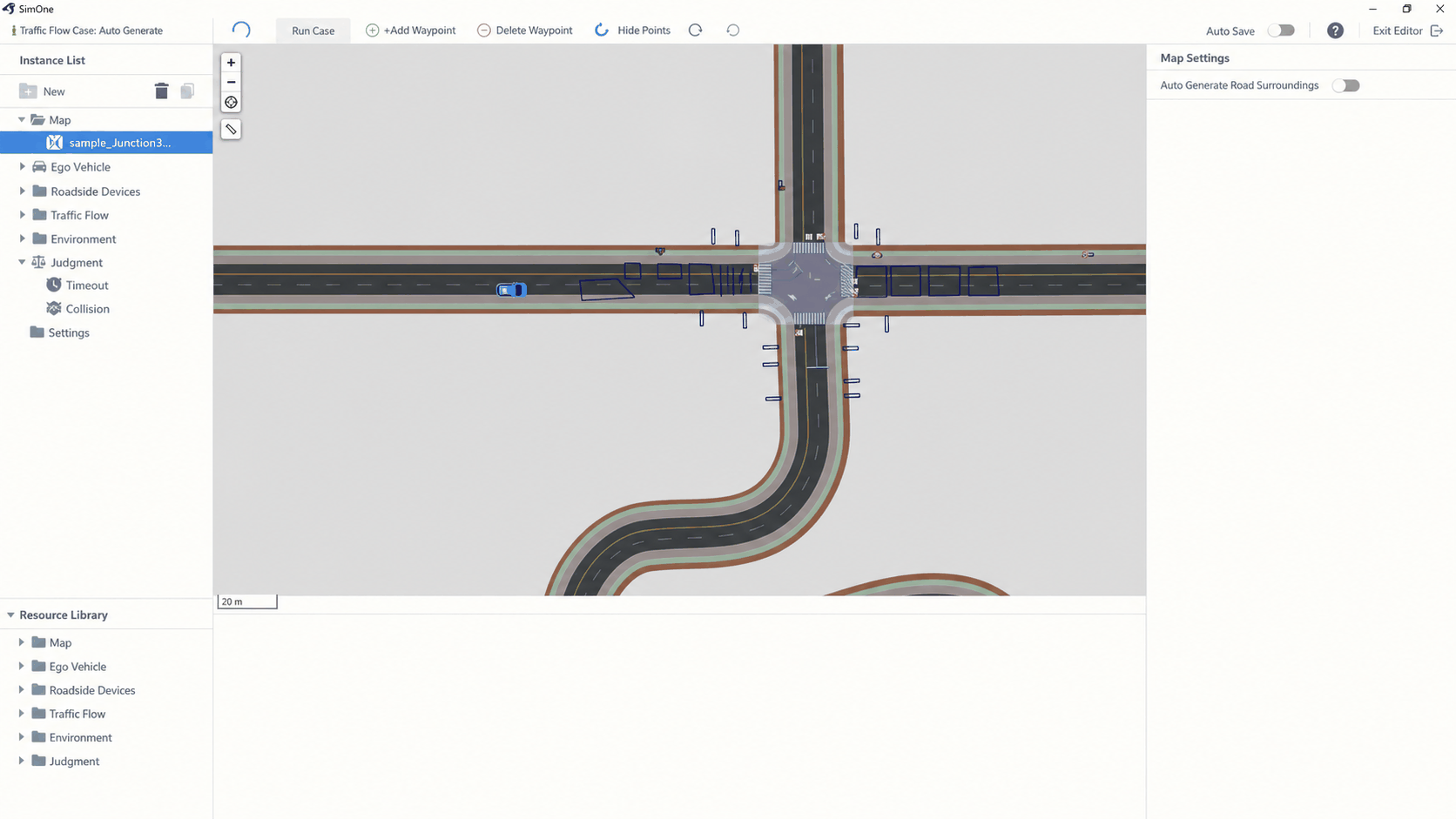
After selecting a map in the Case Editor, this feature is disabled by default in the right-side panel.
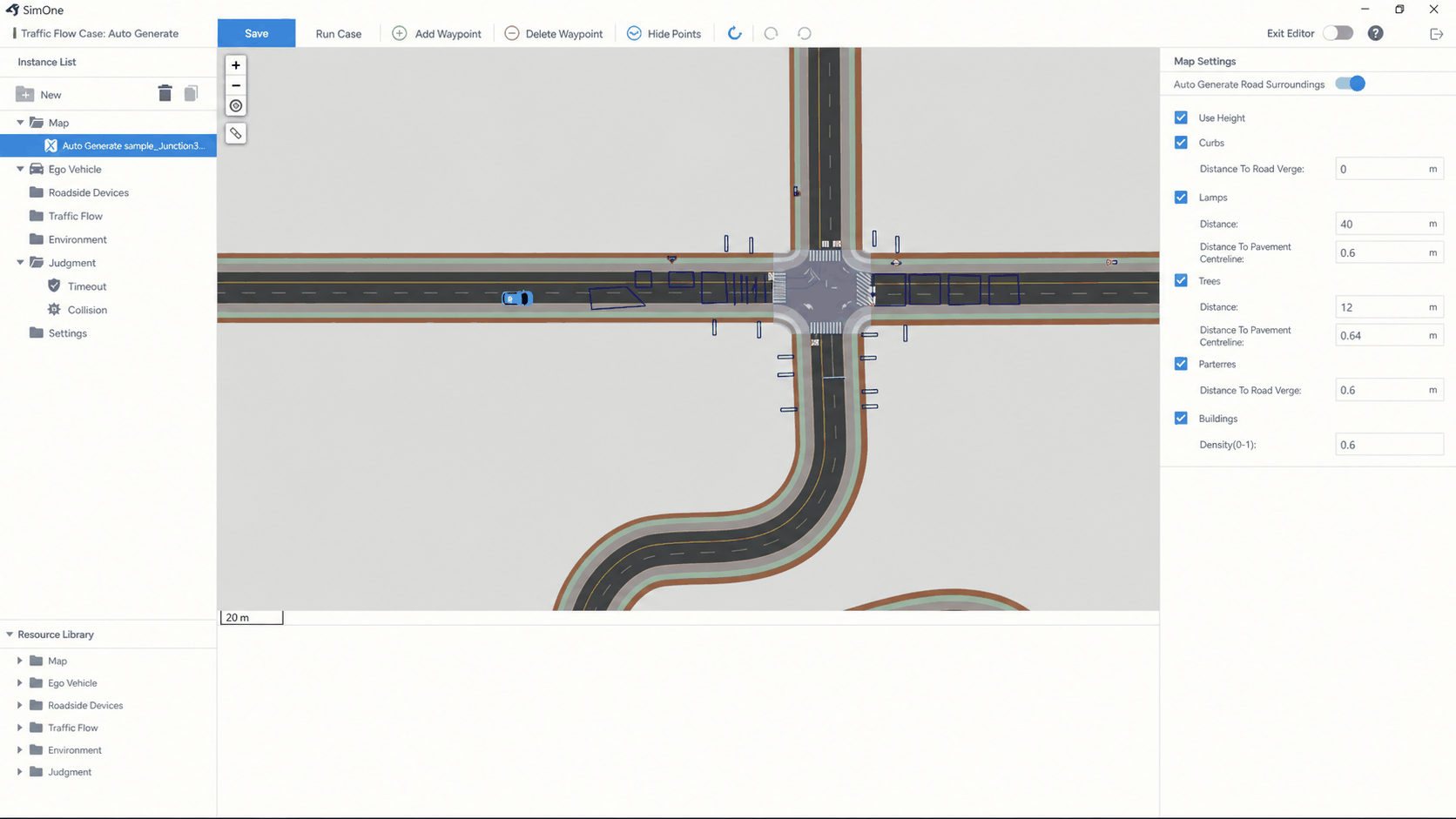
After enabling the Auto-Generate Roadside Scene toggle, the panel expands to show the following configurable parameters:
| Parameter | Description |
|---|---|
| Road Coverage | Longitudinal range within which elements are generated along the road |
| Curb | Whether to generate curbs; configurable distance from the road edge |
| Street Lights | Spacing and distance from the sidewalk centerline |
| Trees | Spacing and distance from the road edge |
| Green Belt | Whether to generate green belts |
| Buildings | Whether to generate buildings |
Effect Preview